Keep a scene steady as you move the camera.
Move the view and keep the scene coherent. [1] [2]
SeekVero editorial · Published · Updated · Prepared with AI assistance; no hands-on testing claimed.
Based on the authors’ paper, demos and setup documentation. No hands-on testing claimed. This article contains no affiliate links.
Start with the camera leaving and coming back
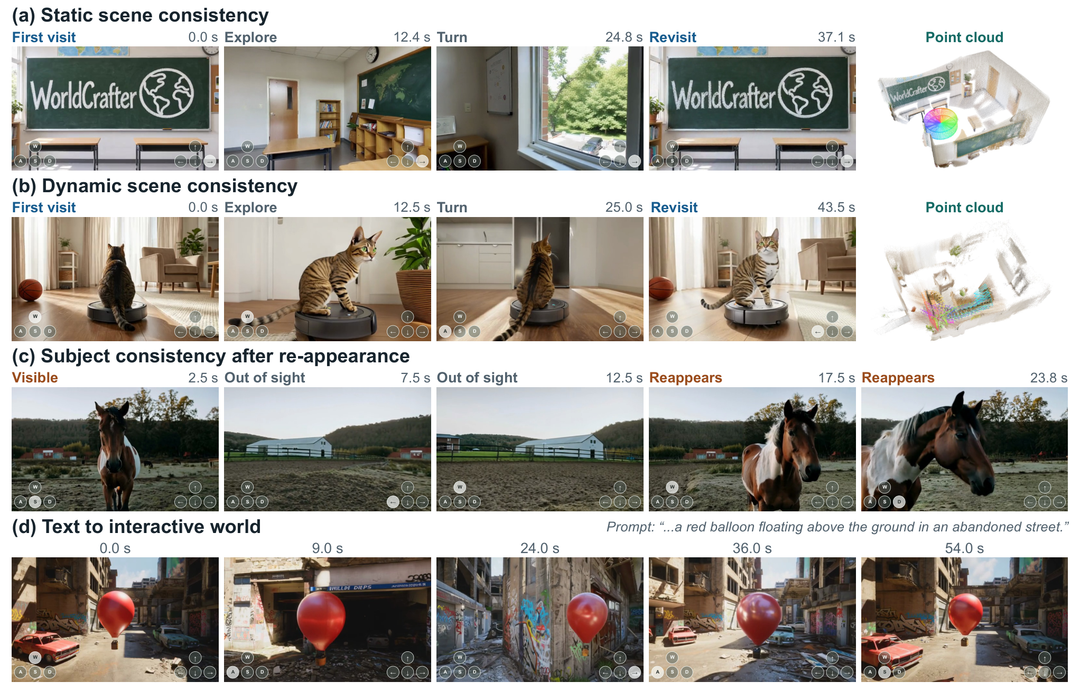
A convincing first frame is only half the problem. Turn away, then return: do the room, objects and subject still belong to the same scene? WorldCrafter tackles that continuity problem. It generates an explorable video scene from one image or a text prompt, with memory intended to carry earlier observations into later views. [1] [2]
The authors’ Figure 1 above gives you three useful things to watch. In the classroom example, compare the arrangement when the camera revisits the room. In the cat-on-a-robot-vacuum example, look at the moving subject as well as the surrounding space. In the horse sequence, watch what happens after the subject leaves the frame and comes back. [4]
These are the authors’ selected examples, not our own test results. The red-balloon example also shows a scene starting from text. Taken together, the examples explain the goal better than a beautiful still image: keeping recognizable scene information while the camera and sometimes the subject move. [4]
| Option or question | What to know |
|---|---|
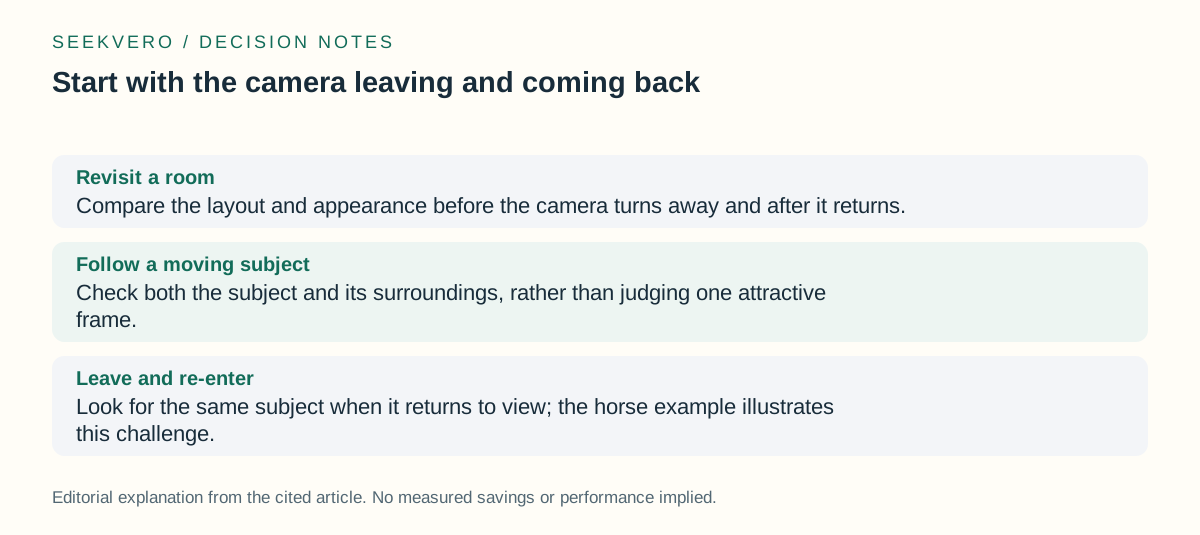
| Revisit a room | Compare the layout and appearance before the camera turns away and after it returns. [4] |
| Follow a moving subject | Check both the subject and its surroundings, rather than judging one attractive frame. [4] |
| Leave and re-enter | Look for the same subject when it returns to view; the horse example illustrates this challenge. [4] |
How the memory changes the next view
Think of the requested camera angle as a question: which parts of the past scene are useful from here? WorldCrafter compresses historical observations into a learned memory, then uses the target camera pose to read out information for the next generated chunk. It gives the video generator a fixed-size set of memory tokens. [4]
The important distinction is what the model keeps from history. The paper contrasts attending to the entire frame history, which is computationally expensive, with a compact representation that selects complementary views. Its memory readout is guided by the requested viewpoint and does not require explicit depth-based correspondences. [1] [2] [4]
Recent temporal context has a separate job: continuing visible motion. The older memory supplies scene information that may no longer be on screen. Newly generated chunks join the history for later steps. This explains why the research focuses on returning to places and subjects, rather than only extending a video forward. [4]
What the results show, and where they still break
The paper reports improvements in consistency and camera control across its evaluated static and dynamic scenes. Read that as evidence about the authors’ experiments. It does not establish that every new photograph, every camera path or every moving subject will remain correct. [4]
The authors identify two concrete limits. Consistency can still fail on especially complicated or extended camera paths. Re-encoding the history for each new chunk also adds latency. Their proposed direction is a streaming memory encoder that updates incrementally, reducing repeated work. [4]
For your own evaluation, include a return to the starting view and a subject that briefly leaves the frame. Compare object placement and identity, not just sharpness. The point-cloud visualizations in Figure 1 help illustrate consistency; they should not be read as a promise that the demo delivers an editable game level or a measured reconstruction of a real place. [4]
Trying the official local implementation
Local setup calls for Linux, Python 3.11, an NVIDIA GPU with a compatible driver, ffmpeg and model weights. The repository provides Base and Fast variants. Fast is distilled for faster inference; the local interactive interface uses Fast image-to-video with keyboard camera controls. [3]
The Fast model card describes a self-contained checkpoint for the official inference code, including its shared components. You do not need Base files to run Fast. If you choose Base instead, the repository says to keep the Fast components too. Follow the linked setup instructions for the exact environment and downloads. [3] [5]
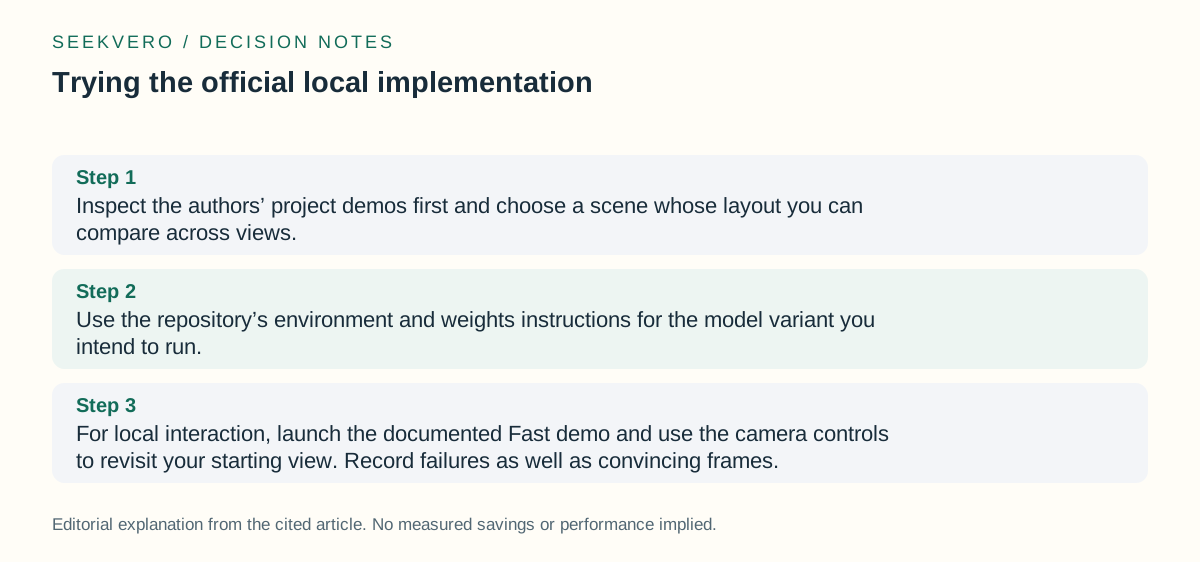
- Inspect the authors’ project demos first and choose a scene whose layout you can compare across views. [1] [2] [4]
- Use the repository’s environment and weights instructions for the model variant you intend to run. [3]
- For local interaction, launch the documented Fast demo and use the camera controls to revisit your starting view. Record failures as well as convincing frames. [3]
Cost: separate model access from running it
Downloading a checkpoint and running a GPU workload are different decisions. For a local trial, consider the hardware you already have, setup time, storage and electricity. If you use a rented machine, its provider and duration determine the bill. Those are planning considerations, not a WorldCrafter price quote. [3] [5]
Not established: A subscription price, hosted-service fee, exact minimum GPU memory and cost per generated minute are not established here. Do not turn the existence of downloadable weights into a claim that every way of using the model is free. Check the official repository, model terms and any hosting offer before committing money.
| Option or question | What to know |
|---|---|
| Known setup | The official local workflow needs Linux, Python 3.11, NVIDIA GPU support, ffmpeg and weights. [3] |
| Budget to check | Your existing or rented compute, storage and setup effort determine the practical trial cost. [3] |
| Still unknown here | Not established: No verified subscription quote, minimum VRAM requirement or per-minute running cost is provided. |
Who should take the next step
Our assessment: this is most useful to researchers and technically comfortable creators who want to examine camera-controlled generation and memory across viewpoints. A small trial with a recognizable scene can help you judge whether the continuity is useful for your own visual exploration. That is a suggested evaluation, not evidence of production readiness. [1] [2] [3] [4]
If you only want to understand what changed, watch the project examples before installing anything. If you need an editable scene with dependable geometry, evaluate that requirement separately: this article establishes video-world generation, not a finished asset-production workflow. If you need a hosted video tool, compare its access, controls, limits and current price on their own merits. [1] [2] [4]
Start with the official project page for the examples, the paper for the memory mechanism and limitations, and the repository for installation. The Fast model card explains the checkpoint contents. These links let you move from an interesting demo to a specific, bounded trial without assuming a paid plan or guaranteed result. [1] [2] [3] [4] [5]
Frequently asked questions
Can a single image and a text prompt both be starting points?
Yes. The project demonstrates both image-led and text-led scene generation. The repository’s local interactive interface specifically uses Fast image-to-video. [1] [2] [3]
Has SeekVero reproduced the authors’ results?
No hands-on result is claimed here. The demo image belongs to the authors, and the explanation distinguishes their reported results from our suggested evaluation steps. [4]
Next step
Use the paper, project page, and repository to inspect the mechanism, demo, and local setup requirements directly.
Check the official paper, demo, and repo for details.