See clothes on you first in ChatGPT
Try on clothes and accessories with a selfie before you shop. [1]
SeekVero editorial · Published · Prepared with AI assistance; no hands-on testing claimed.
Prepared from cited sources. No hands-on testing claimed.
What the new shopping flow does
ChatGPT now includes a shopping flow with a Try on button for clothes and accessories. You can use a selfie to generate a preview, then save options in Favorites and organize them into folders. The result is a quick way to see an item on you before deciding whether to keep looking or move on. [1]
That changes the first step of shopping from imagining the item to seeing a rough visual fit. It does not replace trying clothes in real life, but it can help you narrow down styles faster when you are browsing online.
Where it works
OpenAI says the shopping feature is available in ChatGPT on mobile and web. That makes the try-on flow easier to use across the devices many people already use for browsing and shopping. [1]
The same release also notes a separate mobile scanning feature that can combine multiple pages into one PDF automatically. That is a different tool, but it shows the release bundled multiple everyday productivity updates in the same October 1, 2026 entry. [1]
How the try-on flow helps you decide
The main benefit is speed of judgment. Instead of guessing how a top, jacket, or accessory might look, you get a visual preview based on your selfie. That can make early shopping decisions simpler, especially when you are comparing several options.
Favorites and folder organization add a second decision layer: you can separate the items you like from the ones you want to revisit later. In practice, that helps turn a casual browse into a short list without losing track of the better options. [1]
- Open the shopping flow in ChatGPT on mobile or web. [1]
- Use the Try on button for a clothing or accessory item. [1]
- Use a selfie to generate the preview, then save or organize the result if you want to compare later. [1]
| Option or question | What to know |
|---|---|
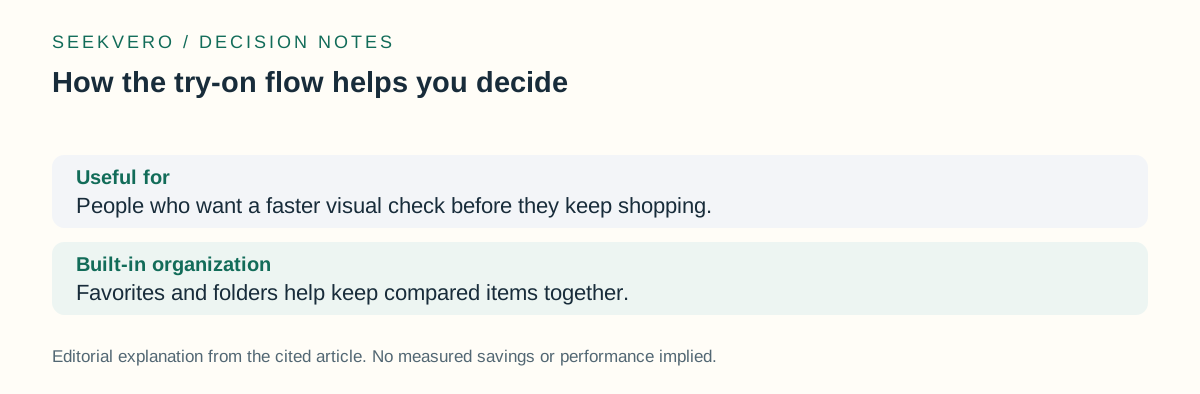
| Useful for | People who want a faster visual check before they keep shopping. |
| Built-in organization | Favorites and folders help keep compared items together. [1] |
Limits and what is not said here
The release notes describe the workflow, but they do not give a measured accuracy score, style guarantee, or shopping success rate. So it is safest to treat the preview as a decision aid, not proof that an item will fit exactly the same in real life.
Not established: Pricing for this shopping feature is not established in the release note. That means there is no verified price unit here, and it would be wrong to assume either a free or paid model from this page alone.
| Option or question | What to know |
|---|---|
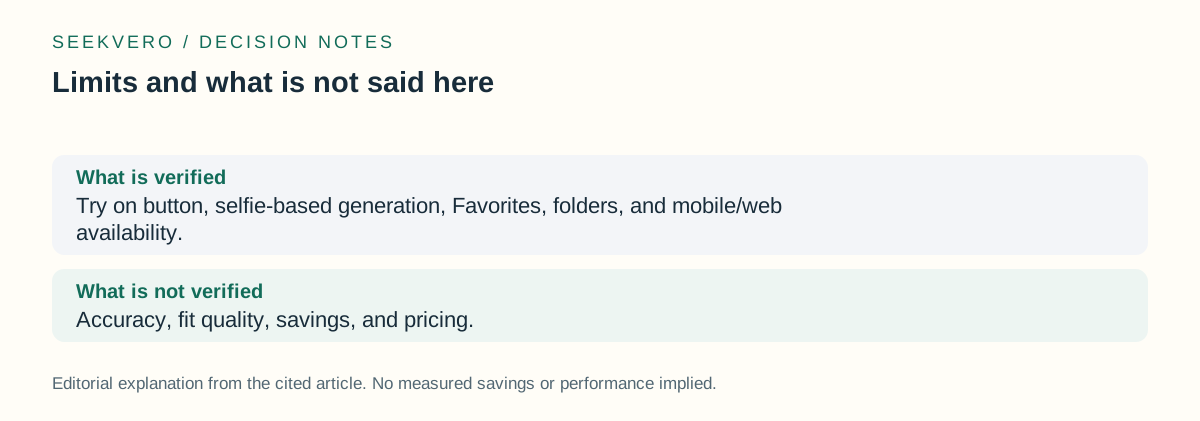
| What is verified | Try on button, selfie-based generation, Favorites, folders, and mobile/web availability. [1] |
| What is not verified | Not established: Accuracy, fit quality, savings, and pricing. |
Frequently asked questions
Can I use the shopping feature in ChatGPT on my phone?
Yes. OpenAI says the shopping feature is available in ChatGPT on mobile and web. [1]
Does ChatGPT show clothes on my own photo?
The release notes say the flow uses a selfie to generate the try-on preview. [1]
Does OpenAI say how accurate the try-on result is?
Not established: No measured accuracy or fit score is given in the release notes, so that part remains unverified here.
Next step
Use the official release notes to see the shopping and try-on feature description, availability, and related October 1, 2026 updates.
Read the official details