Automate follow-ups for small businesses
Stop repeating the same follow-up work. [1]
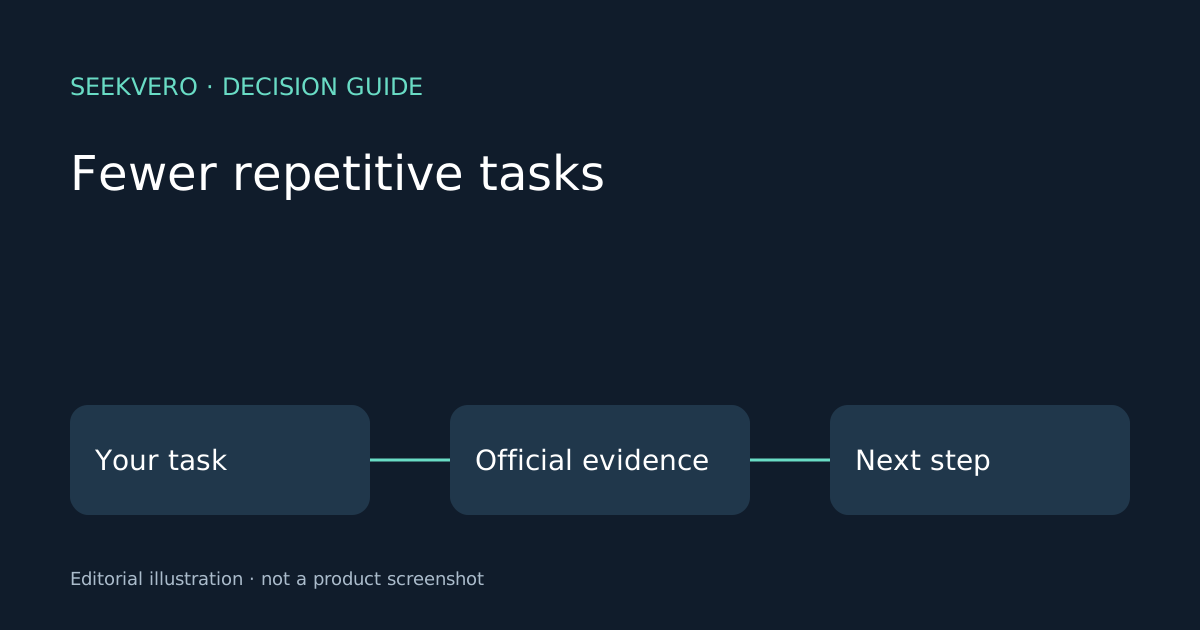
SeekVero editorial · Published · Prepared with AI assistance; no hands-on testing claimed.
Prepared from cited sources. No hands-on testing claimed.
What automation can take off your plate
For a small business, marketing automation can turn repeated follow-up work into a set of triggered steps instead of manual reminders. The verified example here is HubSpot Starter, which is positioned for startups and small businesses and includes automation-oriented help such as generating leads, automating repetitive tasks, and Breeze Assistant support. [1]
That matters when the same actions happen every day: sending a lead a reply, nudging someone who stopped halfway, or reminding a contact about the next step. The practical result is not magic automation, but fewer routine tasks to repeat by hand. [1]
A simple follow-up flow
A useful setup is usually simple: a person takes an action, the system reacts, and the next message goes out without someone rewriting it each time. That can help small teams stay consistent when they do not have time to monitor every lead manually.
The important decision is not whether automation exists, but which repeatable moments you want it to handle. If the task changes often or needs a lot of judgment, keep a person in the loop. If it is the same reminder or reply every time, automation is often a better fit.
| Option or question | What to know |
|---|---|
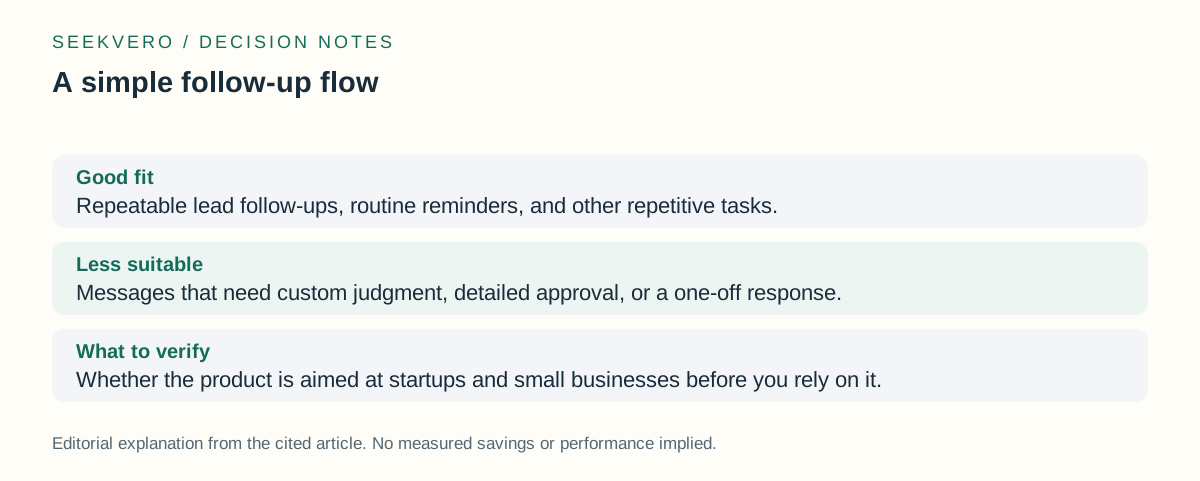
| Good fit | Repeatable lead follow-ups, routine reminders, and other repetitive tasks. [1] |
| Less suitable | Messages that need custom judgment, detailed approval, or a one-off response. |
| What to verify | Whether the product is aimed at startups and small businesses before you rely on it. [1] |
What the official page confirms, and what it does not
The verified page supports two concrete points: it is aimed at startups and small businesses, and it includes automation-oriented help for lead generation and repetitive tasks. That is enough to understand the basic promise, but not enough to claim broader performance, pricing, or time savings. [1]
Not established: There is no verified number here for how much time it saves, how many follow-ups it can send, or whether it is the right choice for every small business. Those details need a closer look at the official product page and any current plan information.
| Option or question | What to know |
|---|---|
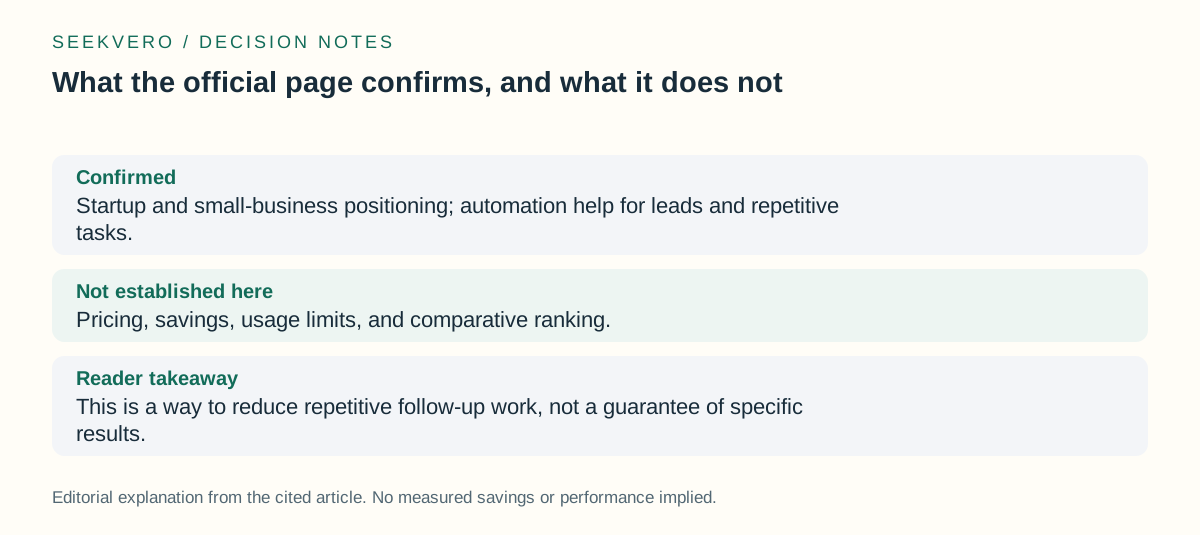
| Confirmed | Startup and small-business positioning; automation help for leads and repetitive tasks. [1] |
| Not established here | Not established: Pricing, savings, usage limits, and comparative ranking. |
| Reader takeaway | This is a way to reduce repetitive follow-up work, not a guarantee of specific results. [1] |
Official next step
If you want to check whether this fits your workflow, the next step is to read the official product details and compare them with the follow-up work you actually repeat. That gives you a better answer than guessing from a general feature list. [1]
Frequently asked questions
Is this only for large teams?
No. The verified positioning is for startups and small businesses, so the page is explicitly aimed at smaller organizations as well. [1]
Does this prove exact time savings?
Not established: No. The verified material shows automation-oriented help, but it does not establish measured savings or a specific performance result. [1]
Next step
Use the official HubSpot Starter page to confirm startup and small-business fit and review the automation features for your follow-up workflow.
Read the official product details.