Batch RAW Presets for Photo Retouchers: Deeper RAW Control Across a Shoot
If you need deeper RAW control for batch editing, this article explains when reusable presets make sense for a full shoot and where the official Affinity details fit into a photo-retouching workflow. [1]
SeekVero editorial · Published · Prepared with AI assistance; no hands-on testing claimed.
Prepared from cited sources. No hands-on testing claimed.
When batch RAW presets are useful
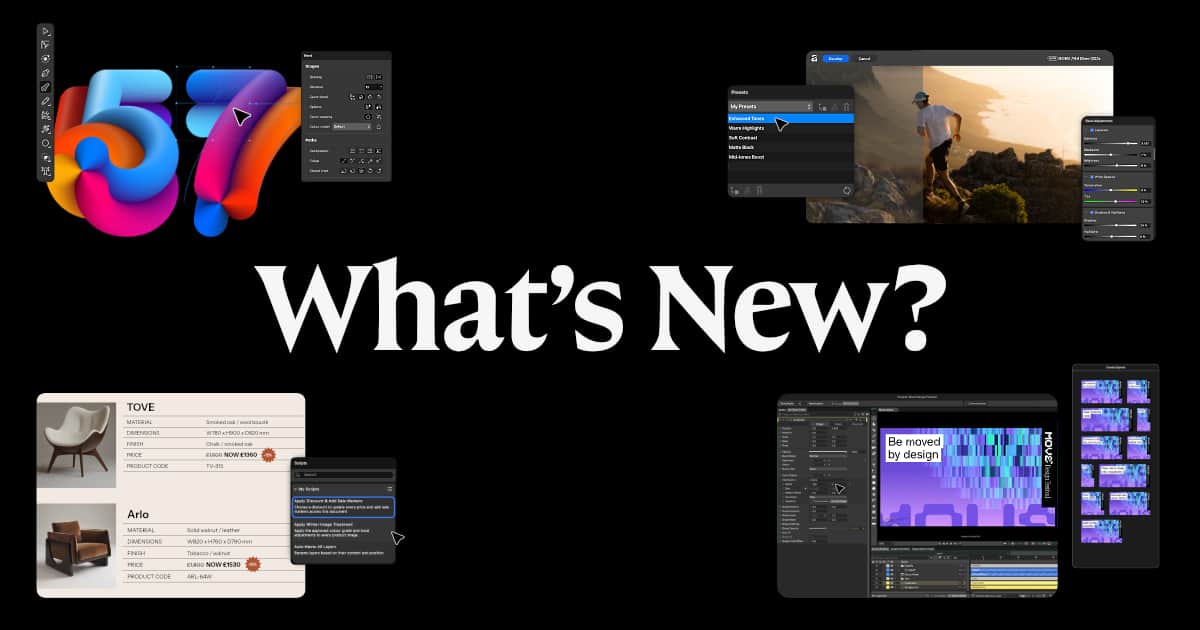
Reusable RAW presets make the most sense when you are correcting many images from the same shoot and want a consistent starting point. Affinity’s update says it adds deeper RAW development and presets you can apply across an entire shoot, which is the core reason retouchers would look at this workflow. [1]
What the official update confirms
The official announcement confirms the release date, the deeper RAW development claim, and that presets can be applied across a whole shoot. It also says most of the release is free, while Canva AI Studio requires a Canva premium plan. That matters if you are deciding whether the feature set is available without extra software cost. [1]
How to think about the workflow
For retouchers, the practical question is not only whether presets exist, but whether they reduce repetitive RAW corrections enough to save time across similar files. Based on the update, the safe inference is that the presets are meant to speed up repeated adjustments, while deeper RAW control gives you more room to standardize the look before final retouching. [1]
- Start with one representative image from the shoot and build a RAW baseline you would want to reuse.
- Apply that preset to similar frames from the same session to check whether the correction holds up across the set.
- Use the preset as a starting point, then fine-tune images that vary in exposure, color, or subject detail.
| Option or question | What to know |
|---|---|
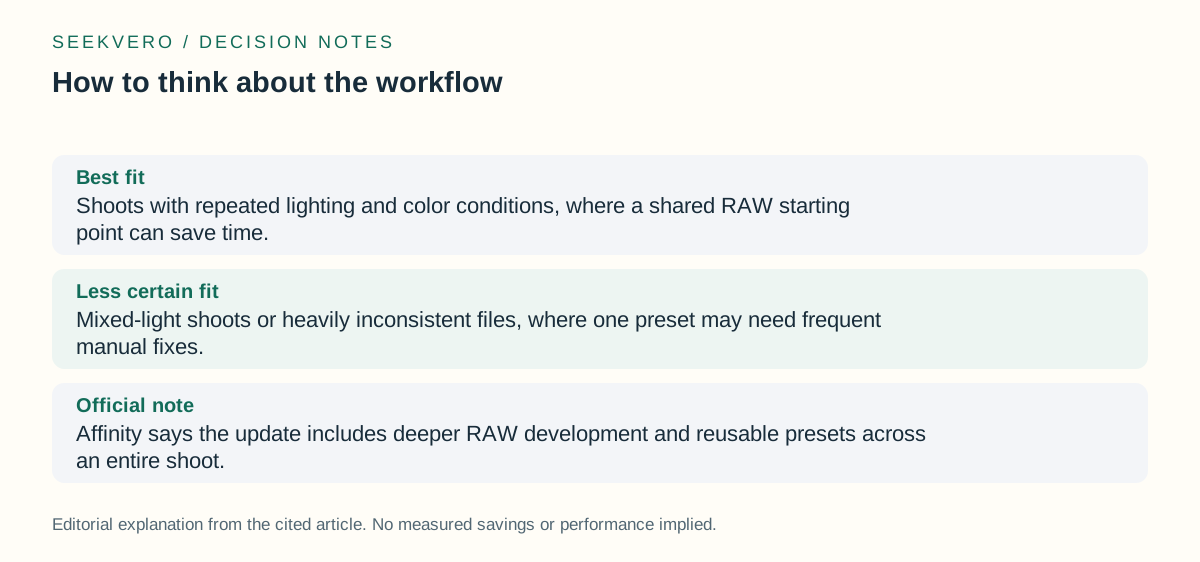
| Best fit | Shoots with repeated lighting and color conditions, where a shared RAW starting point can save time. |
| Less certain fit | Mixed-light shoots or heavily inconsistent files, where one preset may need frequent manual fixes. |
| Official note | Affinity says the update includes deeper RAW development and reusable presets across an entire shoot. [1] |
Frequently asked questions
Does the update prove a full batch-processing workflow?
No. It confirms deeper RAW development and presets across an entire shoot, but it does not spell out every production workflow detail. [1]
Is everything in the release paid?
No. The announcement says most of the release is free, while Canva AI Studio needs a Canva premium plan. [1]
Next step
Use the official Affinity announcement to confirm the feature scope before deciding how it fits your retouching workflow.
Read the official details on deeper RAW control and batch RAW presets in the Affinity update.